
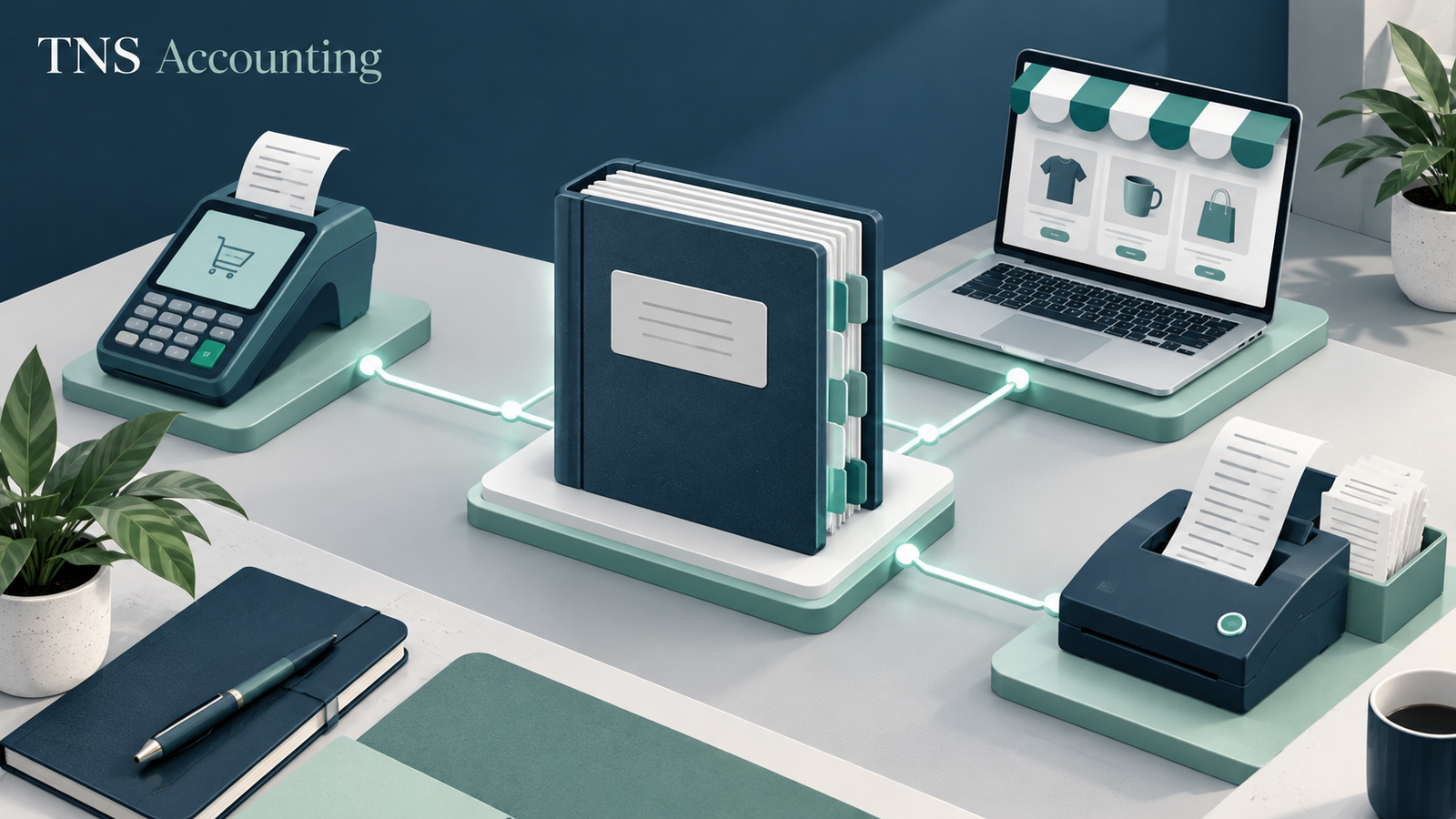
A useful accounting integration moves the right information once, leaves a traceable record and makes exceptions visible. Connecting more apps does not automatically improve the books. Start by mapping the transaction from its source to the bank and the final report.
Published by TNS Accounting. Sources checked 31 October 2026. General information for Australian small business owners; individual circumstances and current rules need to be confirmed before acting.
What should you map before connecting an app?
Identify where the transaction begins, which system owns it and what should enter the ledger. For an online sale, distinguish the order, invoice, payment, processor fee and bank settlement. Decide whether the connection sends each transaction or a summary. Without that map, two systems may both create the same sale while neither clearly explains the settlement.
Why do bank feeds still need reconciliation?
Xero’s own guidance describes bank feeds as a way of importing statement lines for reconciliation. Importing the line is not the same as confirming the accounting treatment. Review the account selected, the start date, missing periods and possible duplicate imports. When changing a connection, establish where the old feed ends and the new one starts.
Who should approve mappings and access?
A business owner or authorised reviewer should understand the effect of account and tax-code mappings before they are used broadly. Use individual access and permissions appropriate to the work. Confirm who can change rules, disconnect apps or edit historical records. Do not solve an access problem by circulating one shared administrator password.
What should a small integration test include?
Select a normal transaction and an exception, such as a refund, fee or partially paid invoice. Follow each through both systems and compare the resulting balances with source documents. Record the result and the action needed for failures. A connection that successfully imports one simple sale has not yet shown that it handles the business’s full workflow.
How should you monitor the connection after launch?
Assign an owner to sync errors and unmatched items. Keep a routine for reviewing failed transfers, changed mappings and subscriptions no longer used. Ask whether support covers the app, the accounting file or both. A clear boundary prevents an issue being passed between vendors while the bookkeeping falls behind.
Which steps should you include in your checklist?
- Map the source transaction and the final accounting entry.
- Choose the system that owns each record.
- Agree account mappings, permissions and change approvals.
- Test a normal transaction and an exception.
- Reconcile the first live period and assign error monitoring.
What could this look like in a small business?
Hypothetical example: an ecommerce connector creates a sales summary while a second app also creates an invoice for every order. Both can appear to work, but the ledger may record the same income twice. The solution starts with choosing one accounting route and testing it against source reports, not with adding another automation rule.
What else do business owners ask?
Should every manual step be automated?
No. Automate repeatable steps after deciding what evidence, review and exception handling they need. Some judgement should remain with an authorised person.
Does an app subscription include bookkeeping support?
Not necessarily. Confirm what the software vendor and your bookkeeping provider each cover.
Can software fix inaccurate opening balances?
A connection can move information without making that information correct. Review the opening position before relying on the new workflow.
Which related guides can help you next?
- Accounting system management guide
- Software integration guide
- Accounting system services
- TNS Accounting — Epping and Melbourne small business support
Which sources support this guide?
- Xero Central: bank feeds
- Xero Central: duplicate bank accounts
- Australian Government: record keeping
Question research also considered public community discussions. These are examples of customer concerns, not authority for tax or employment rules: Public discussion: business finance and Xero questions.
For the ongoing review after connections are working, use our monthly accounting software controls checklist to review access, changes and data continuity.
Before agreeing responsibilities, read our guide: What Should You Check About Accounting Software Access Before Changing Providers?
Related integration guides
For a practical next step, read safe Xero app connection guide, safe QuickBooks app connection guide, Dext versus Hubdoc receipt capture comparison.
Accounting integration guides
Related Accounting System Management guides
Use these practical resources alongside our Accounting System Management service information or return to the TNS Accounting homepage.
- How Should You Set Up and Fix Accounting Bank Feeds?
- How Should CRM and Invoicing Software Integrate with Accounting?
- How Should a Small Business Choose an Expense Management App?
- How Should Xero Bank Rules Be Designed and Reviewed?
- How Should Accounting Data Syncs Be Monitored?
- What Should a Business Check Before Using the Xero API?
- How Do You Define Accounting Integration Requirements?
- Which Documents Are Needed for an Accounting Integration Project?
- How Should You Cut Over to a New Accounting Integration?
Which new practical guides were published on 18 November 2026?
Use these related guides for the next practical step:




12 Responses