
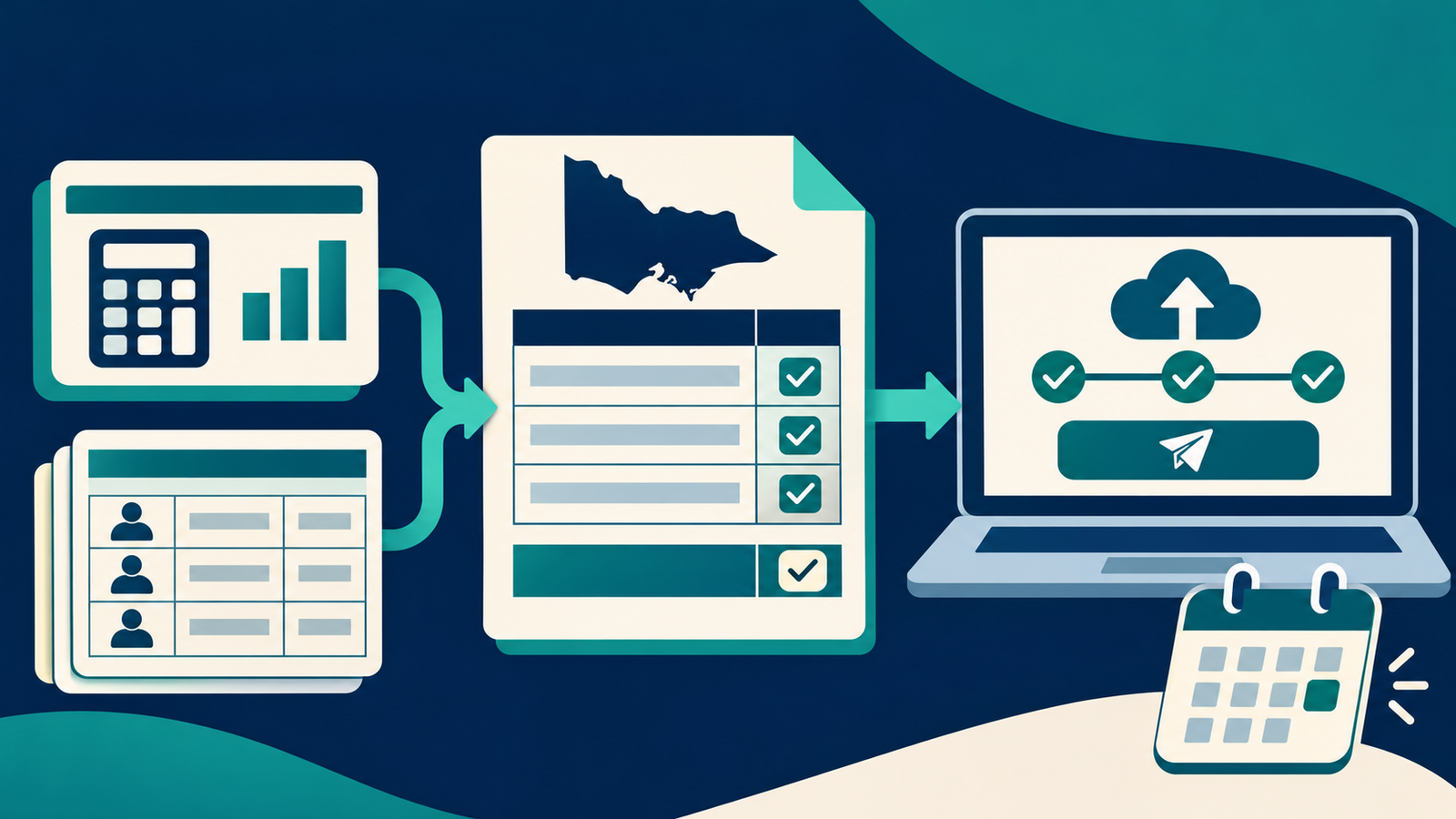
Direct answer: A Victorian employer that is liable for payroll tax must reconcile taxable wages and payments for the financial year through the State Revenue Office’s electronic annual reconciliation process. Before lodging, match wage components, interstate amounts, prior payments and employment periods to payroll records. This is a state-tax workflow and is separate from STP finalisation or employee income-tax withholding.
Who should review the annual reconciliation?
The SRO says an employer liable for payroll tax must lodge an electronic annual reconciliation through PTX Express. Whether the business is liable depends on current thresholds, taxable wages, grouping and other rules. Do not infer liability from employee count alone. Check the SRO’s current threshold and grouping guidance or seek advice based on the employer’s connected entities and wage facts.
Which payroll records should be gathered?
Prepare a payroll register by pay date and financial year, taxable wage components, super and fringe-benefit information where relevant, interstate wages, payroll tax payments, employer type and the correct employment period. A group employer may need member-level wage and payment details. Keep source reports, adjustments and reconciliations that explain how totals were calculated.
How should wages be reconciled to the return?
Tie the annual payroll report to the accounting ledger and payroll system, then reconcile monthly returns and payments to the year-to-date total. Separate Victorian and interstate wages as required and check taxable or exempt components against the SRO’s current definitions. Investigate differences from payroll, prior returns and bank payments before entering totals.
What changes if the business stopped employing?
The SRO instructions ask employers who stopped employing before year-end to update the reconciliation period and answer the applicable cessation question. PTX Express may calculate a deduction based on the employment period. Confirm the actual cessation date and records first; do not leave a full-year period simply because the online account still displays one.
What should a grouped employer check?
If the business is the designated group employer, the SRO may require wage breakdowns for group members, interstate and Victorian reconciliation periods, payments made by ordinary group members, and estimates for the following year. Regional employers may also need regional and non-regional wage components. Confirm current form fields for the relevant year and keep a workpaper linking each total to member records.
How should payment and lodgment details be confirmed?
The current SRO page states the e-AR is lodged in PTX Express and identifies the due date for the annual return. Recheck the live SRO instructions for the relevant financial year, public holidays and any business-specific obligations rather than relying on a prior-year calendar. Save the lodgement number, confirmation, calculation and payment receipt with the year-end records.
How is this different from payroll finalisation?
STP finalisation reports employee year-to-date information to the ATO for income-tax and super-related purposes. Victorian payroll tax is a separate state obligation based on taxable wages and the employer’s circumstances. Completing one process does not automatically complete the other. Build a calendar that assigns a different reviewer and evidence pack to each obligation.
What is a pre-lodgment checklist?
- Confirm payroll-tax liability, employer type, group status and periods with current SRO guidance.
- Reconcile payroll registers, ledger totals, monthly returns and payments.
- Separate Victorian, interstate, taxable, exempt, regional and group components as required.
- Update cessation or employer details in PTX Express where circumstances changed.
- Check the correct financial year, supporting workpapers and current deadline.
- Save the submission number, final reconciliation and payment evidence.
How might an annual reconciliation be prepared?
Hypothetical example: A hypothetical Victorian employer reviews the payroll year with its bookkeeper. It compares the payroll register to the ledger, separates interstate wages, checks monthly payments and updates a cessation date for one worker. The responsible decision-maker checks the applicable SRO definitions and files through PTX Express if liable. The employer and details are invented.
What do owners often ask?
Does every Victorian business with an employee lodge payroll tax?
No. Liability depends on current Victorian rules, taxable wages and circumstances such as grouping. Check SRO guidance.
Is STP finalisation the same as payroll-tax reconciliation?
No. They are separate processes with different reporting purposes and authorities.
Can I use last year’s worksheet without checking it?
Use the current SRO worksheet and instructions for the relevant year; forms and fields can change.
Where can you get related information?
For broader context, read the live parent guide, review TNS Accounting’s Payroll information, or visit the TNS Accounting homepage. These links are informational and do not promise that a particular service or outcome is available.
Official sources checked on 24 November 2026
- State Revenue Office Victoria: Lodge your annual reconciliation
- State Revenue Office Victoria: Thresholds and grouping
- State Revenue Office Victoria: Understanding Victorian wages
- Fair Work Ombudsman: Record keeping and payslips
Publisher: TNS Accounting. General educational information for Australian small businesses. It is not individual tax, legal, payroll or accounting advice. Rules and software features can change; confirm current guidance and your circumstances before acting.






One Response