
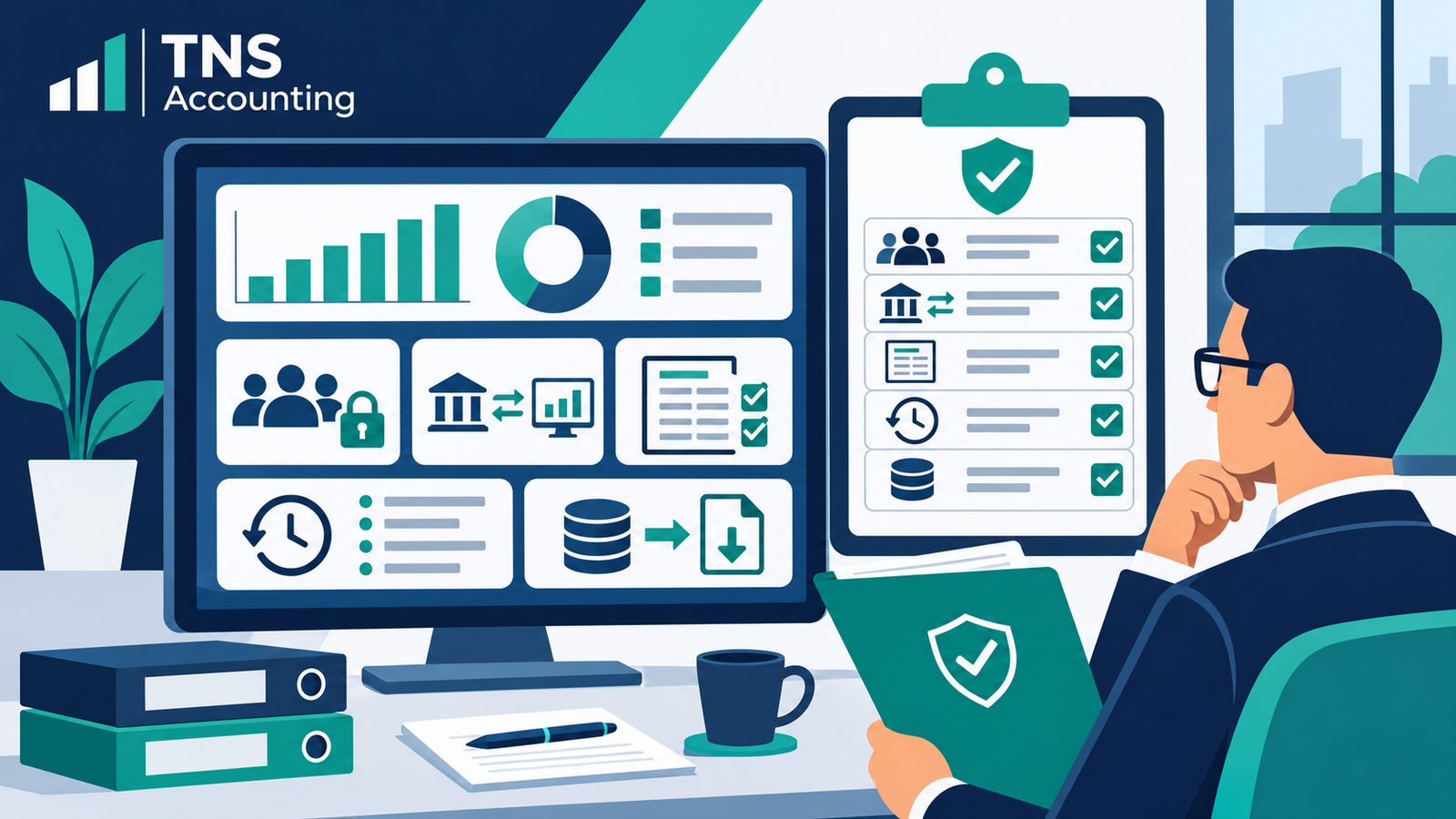
Direct answer: Prepare the current user-access list, role approvals, connected-app inventory, change register, reconciliation evidence, audit history, lock-date settings, exception log and unresolved support issues. The review should connect each control to an owner and evidence, not rely on screenshots without context.
This guide provides general information for Australian small businesses, including Epping, Melbourne and Victoria.
Which access records should be reviewed?
Export or record active users, roles, administrators and external advisers. Note each person’s actual tasks, approval date and continuing need. Xero’s official security guidance describes practical account-security controls. Use individual access and review departures promptly.
How should configuration changes be documented?
Maintain a register of changes to tax settings, chart of accounts, bank details, rules, mappings, templates and period controls. Record requestor, approver, implementer, date, reason, testing and rollback or correction where relevant.
Which integration and data-flow evidence is useful?
List bank feeds, payment systems, sales platforms, payroll and expense tools. For each connection, record owner, last successful sync, source-to-ledger check and unresolved exceptions. A connection marked active is not evidence that every transaction arrived once and in the correct period.
How can audit history support the review?
Use product history to investigate significant or unexpected changes. Xero’s history and notes guidance explains available activity records. An audit trail supports investigation but does not prove the underlying accounting treatment is correct.
What belongs in the system-review checklist?
- Active users, roles and approval evidence
- Connected applications and data owners
- Change register and testing evidence
- Bank, clearing and control-account reconciliations
- Audit history for material exceptions
- Lock dates and reopening approvals
- Backup, export or retention procedures where applicable
- Open issues, owners and target dates
Which reports should be retained?
Retain the reports needed to evidence the review, with period, filters and generation date. Confirm which roles can access reports and journals using the vendor’s current permissions guidance, such as Xero’s Australian report-access article.
What could a management review find?
Hypothetical example: A Victorian consultancy finds a departed contractor still active, one integration with a three-day gap and an undocumented mapping change. The owner removes access, assigns the missing-data check and records approval for the corrected mapping. This example is not a real client result or security guarantee.
What do owners ask about system reviews?
Is a bank reconciliation enough?
No. Reconciliation is important, but access, settings, integrations and changes need separate evidence.
Should every user be an administrator?
No. Match permissions to responsibilities and review broader access before granting it.
Can the audit log replace supporting documents?
No. It may show activity; invoices, statements, approvals and explanations are still needed.
Where can you continue?
Use the live monthly accounting-software controls guide, review Accounting System Management information, and explore the TNS Accounting homepage.
Which official sources were checked?
- Xero: keep business data secure
- Xero: history and notes
- Xero: report and journal access in Australia
Published by TNS Accounting. Official software sources checked 20 November 2026. Features and permissions can change; confirm them in your current product and plan.





One Response